

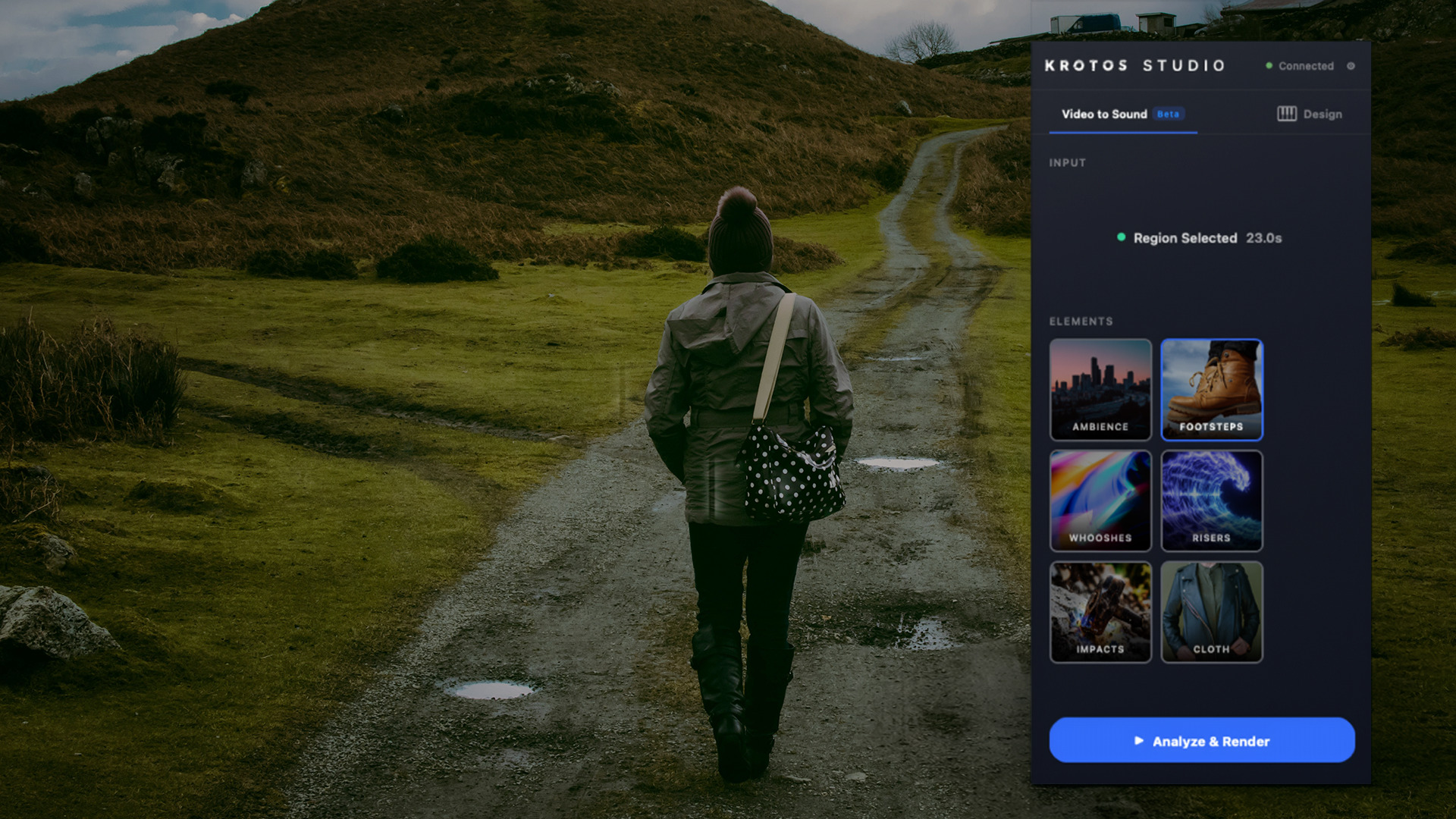
Footsteps is now live in Video to Sound. Point Krotos at a clip of someone walking and it reads the movement in the picture, works out where each step lands, and builds a synchronised pass against your edit. If the surface it picks is wrong, you change it and the timing stays put.
It runs in the Krotos Studio plugins for Adobe Premiere Pro and DaVinci Resolve, and in the browser version of Krotos Studio.
Watch it work
Here is the whole thing running on a real clip, from selecting the footage to a synchronised footstep pass on the timeline.
The work it takes off you
Putting footsteps into an edit by hand is slow. You search a library, download a handful of files, cut them into individual steps, then drag each one until it sits on the frame where the foot hits the ground. A thirty second walking shot can run to forty or fifty placements, and none of them are the part of the job you enjoy.
Footsteps does that placement pass for you and hands you the result on your timeline.
How it works
- Select the clip. Mark the section of footage where someone is walking or running.
- Choose Footsteps. Krotos analyses the movement in the picture and finds where each step falls.
- Review the pass. The steps arrive against the movement, with a surface and footwear already suggested.
- Shape it. Change the surface, adjust levels, or move and delete individual steps.
Analysis takes up to a couple of minutes depending on the length and resolution of the clip. Progress is shown while it runs.
Changing the surface without losing the sync
The surface Krotos picks is a suggestion. Switch between concrete, gravel, forest and tile and the detected timing holds. You change the sound of the step and the position stays fixed, so you can try three surfaces against the same shot in the time it would have taken to re-place one of them by hand.
Where it runs
- Adobe Premiere Pro and DaVinci Resolve, through the Krotos Studio plugin panel. The analysis runs against your edit, so the pass lands where you are already working.
- The browser version of Krotos Studio, which exports audio and MIDI. Useful if you want to take a first pass into a DAW.
The plugin workflows give the strongest result today. Deeper DAW integrations are planned for later this year, and we are not putting a date on them yet.
There is a fuller breakdown of the workflow, including what it does on harder shots, on the Footsteps page.
What it does well, and where you will need to step in
Footsteps is strongest on clear walking and running shots where the feet are visible. It gets less reliable when feet are partly out of frame, when there is heavy motion blur, or when several people are moving at once. If there is no walking in the shot, it returns little or nothing rather than inventing steps.
Treat the output as a first pass. It gets you to a scene that already works, and you correct from there.
Getting started
Footsteps is part of Video to Sound and is included in every paid Krotos Studio tier. Open the plugin panel in Premiere Pro or DaVinci Resolve, select a clip with movement in it, and choose Footsteps.
New to Krotos Studio? See what it can do: krotos.studio