








Tutorial
Getting Started - Designing an Entire Scene
Watch Krotos Product Expert Alessandro Mastroianni create the sound effects for an entire scene within Krotos Studio. From Ambience, to footsteps, Foley and weapons.

Elevate your sound design with our comprehensive tutorials.
Watch Krotos Product Expert Alessandro Mastroianni create the sound effects for an entire scene within Krotos Studio. From Ambience, to footsteps, Foley and weapons.

Create powerful cinematic sound effects that send chills down your audience's spine. Learn how to use the cinematic category in Krotos Studio.

Part three of four in our Sound FX in Seconds Series. See how we put together a city scene using only Krotos Studio, covering everything from city ambience to clothes Foley and footsteps.

Expand your presets by adding your own sound effects from Freesound, Soundly, Splice or any other platform to create your own collection of custom presets.

Control the pace, surface, and shoe type with just a few clicks. Generate unique, varied and high-quality footsteps from a wide range of footwear and surfaces.

Learn how to create realistic Foley sound effects using Krotos Studio Pro with tips and techniques from the sound design team.

Check out some of the most powerful time saving aspects of Krotos Studio in this tutorial from Head of Product, Matt Collings.

Turn a single screenshot into custom AI ambience with Image to Sound Generator in Krotos Studio, then export stems for instant mixing.

Save, bundle, and share your custom sound effect presets in a single click — perfect for remote editors and distributed post teams.

Generate any length of ambience in seconds with Instant Render in Krotos Studio — an AudioSuite-style feature for faster workflows.

Speed up your workflow with multichannel output, MIDI control, AudioSuite rendering, custom layering, and drag-and-drop sound design in Pro Tools.

Learn how the new Send to Host feature works in DaVinci Resolve Studio with this tutorial from Head of Product Matt Collings.

Place any sound effect into an environment with just a few clicks using Quick FX's convolution reverb and filter modes for instant dimension.

Add car driving sound effects to your Premiere projects using Everyday Vehicles in Krotos Studio Pro with multiple perspectives and speeds.
Explore the Everyday Vehicles interface in Krotos Studio Pro. Learn how to control the drive parameter with a mod wheel for smooth, natural engine revs across sedans, SUVs, and electric cars.

Create car sound effects faster with Krotos Studio Pro vehicle presets. Control driving speeds, perspectives, and balance engine with ambience directly in Pro Tools.

Craft authentic, evolving soundscapes with this guide to creating your first ambience preset using Krotos Studio Pro's intuitive platform.
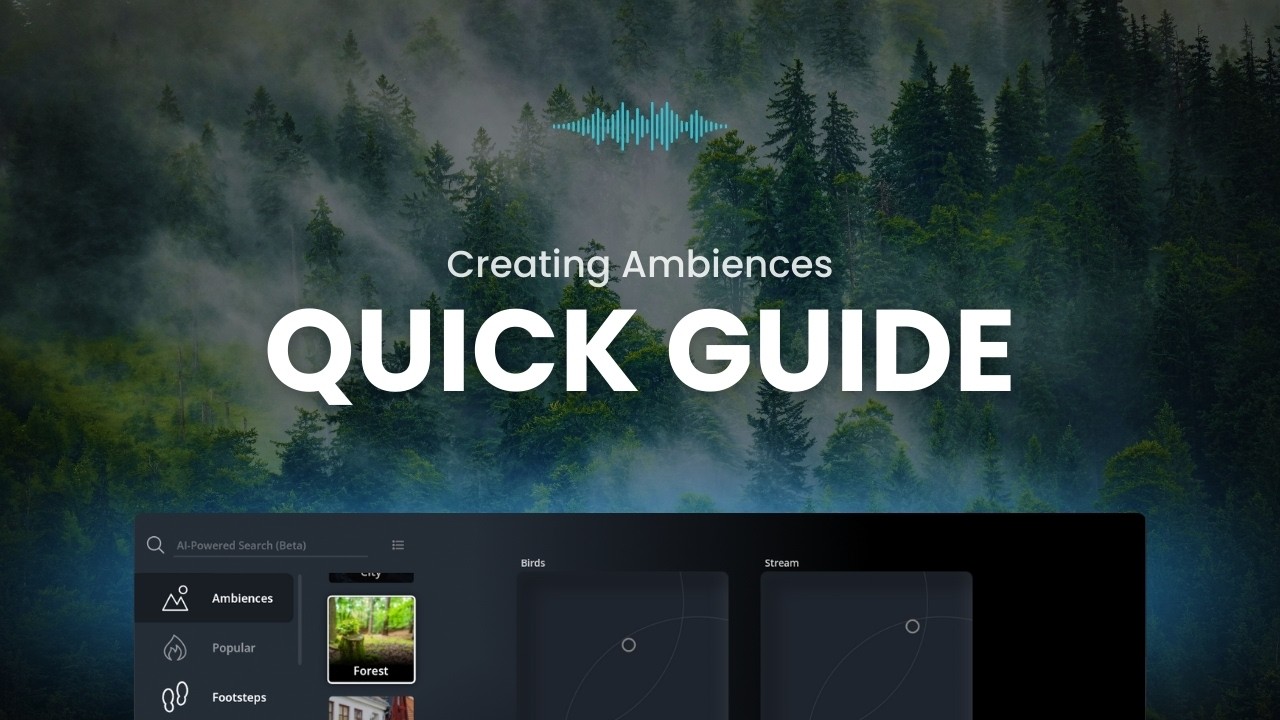
Learn how to create ambience sound effects presets by replicating a factory preset with your own sounds and saving it for future use.

Build dynamic cinematic impacts using the Four Zone XY pad and Edit Mode. Learn to import, layer, and mix sounds for immersive audio experiences.

Build your own footsteps sound effects presets from your own sounds, sync to footage in real time or via MIDI, and save for future projects.

The fastest way to create context-aware background ambience, synced directly to your footage. Drop in a video and let the engine analyse the scene to generate realistic sound.

Create cinematic impact sound effects by layering sounds across the X-Y pad, adding variations, and performing them in real time for unique impacts with every click.

Describe your scene in just a few words and receive a custom, high-quality ambience preset in seconds using Krotos Studio's AI Ambience Generator.

Generate unique, seamless and neverending soundscapes with customizable sound elements. Create the perfect ambience for any duration, from forests to urban settings.

Add depth and tension to your horror scenes. Learn to create dynamic, hair-raising soundscapes and spine-chilling ambience in real-time.
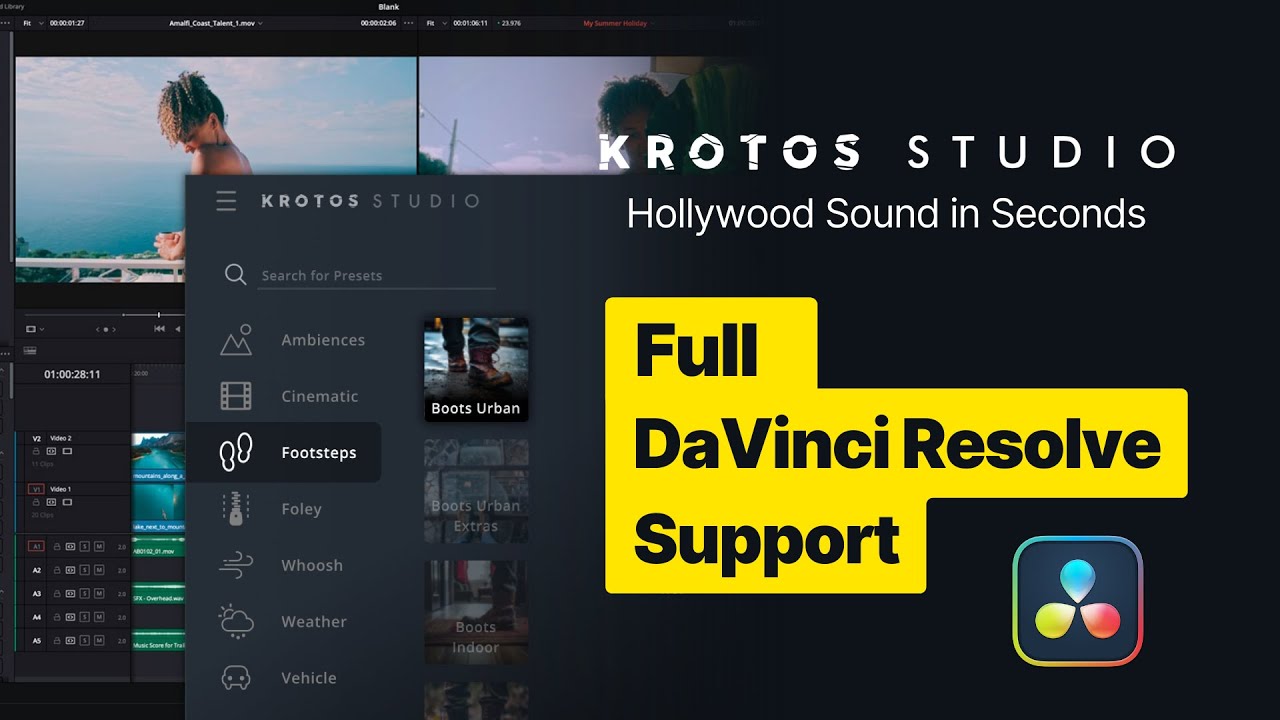
Learn how to use Krotos Studio directly within DaVinci Resolve 18.6 as an instrument plugin for a faster sound effects workflow.

Create Foley sound effects on the fly in Premiere Pro. Add footsteps, clothing movement, and ambiences for realistic, immersive sound design.
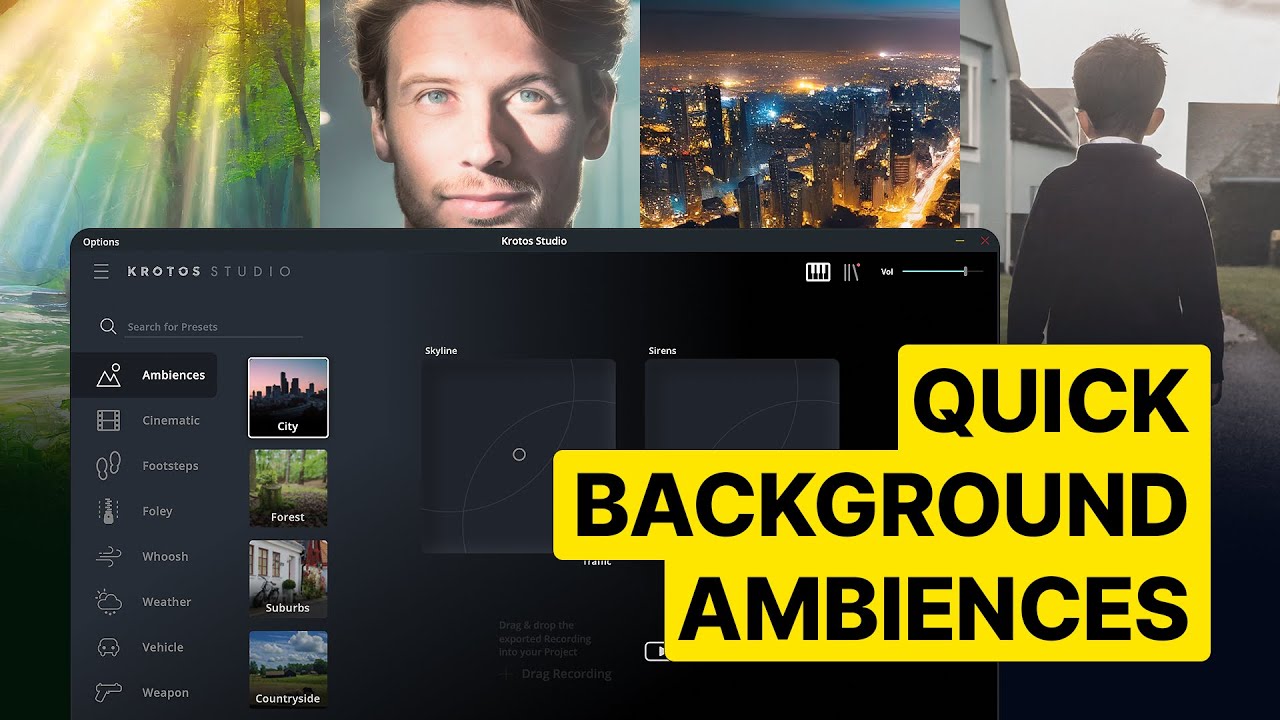
Use Krotos Studio and AudioSuite in Pro Tools to quickly generate background ambiences for your projects.

Add footsteps to your projects with ease using Krotos Studio in DaVinci Resolve's Fairlight tab. Quickly generate unique steps for different footwear.

See all the ways you can create Whoosh sound effects in Krotos Studio. Sound designers Matt Collings, Molly Isaac and Pierre Griscelli share their sound design secrets.

Krotos Sound Designers demonstrate how to create powerful Whoosh sound effects with tips and tricks for layering water, air, and other elements.

Three approaches to creating powerful Whoosh sound effects inside Krotos Studio Pro with awesome tips and tricks from the sound team.

Learn how to use Krotos Studio's Reformer AI engine for building Foley-like cues. The engine triggers and layers sounds based on AI-driven analysis for realistic Foley performance.

Learn how to use Krotos Studio to bring a film's sonic world to life. Manipulate sound effects in real time while watching footage and drag custom sounds into Premiere Pro.

Learn how to perform sound effects in real time using Krotos instead of searching through endless libraries. Build realism using layers, foley, and motion.

Perform sound effects in real time, customize them on the fly, and drag them straight into your timeline. From footsteps and Foley to ambiences and whooshes.

Pro tips for using Krotos Studio as a plugin within Pro Tools. Learn multi-channel output with ambience presets and how to use Krotos Studio as an AudioSuite plugin.
Learn how to use MIDI in Krotos Studio. Ideally for footsteps sound design and much more