
Add real, royalty-free sound effects directly to your Premiere Pro timeline
Start Free Trial‘It is just magic. You work twice as fast as before’
‘This is sound design on steroids!’
"I can now very easily create the perfect sound effects for my video footage using Krotos Studio."

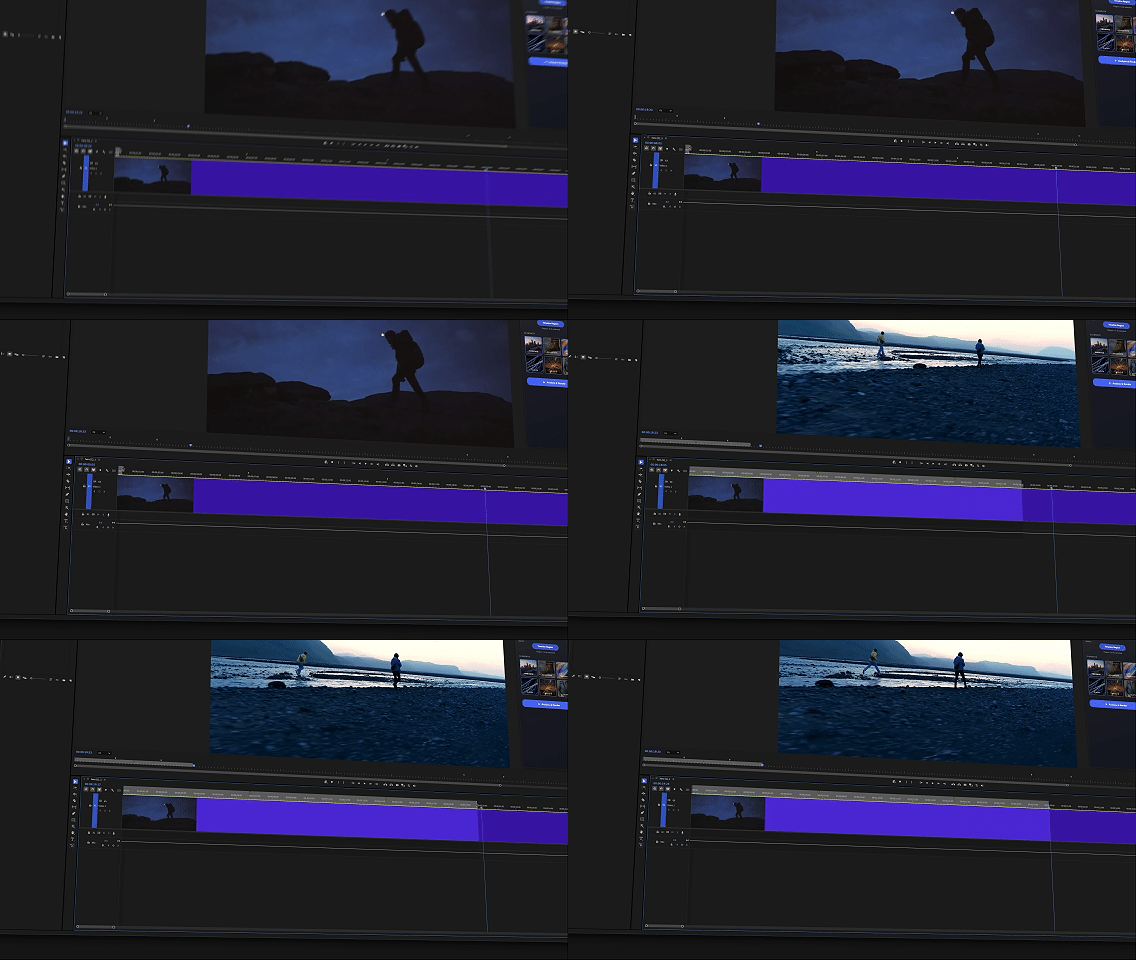
Mark the section that needs sound with the in and out markers.
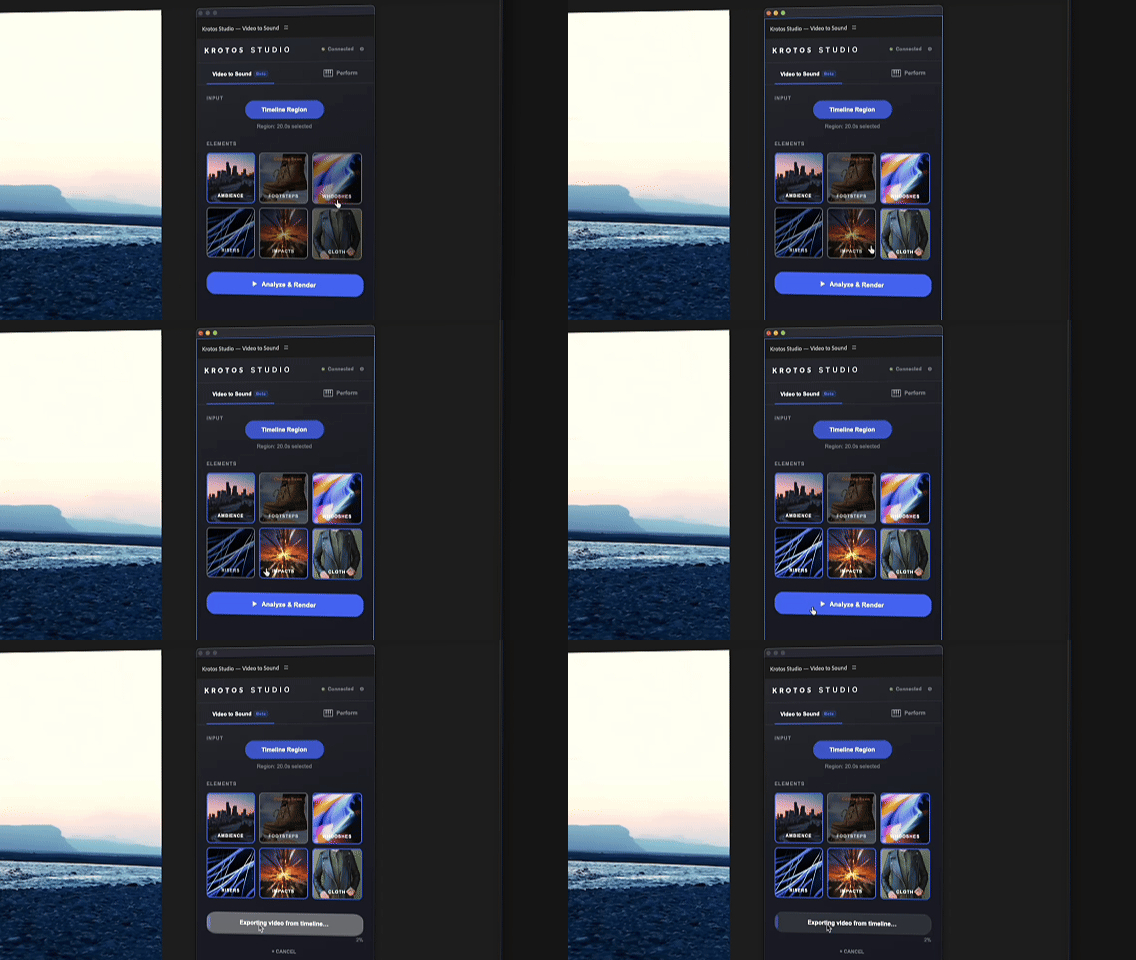
Choose the sounds to add to the section.
.gif)
Real, Non AI-generated, royalty-free sounds land in your timeline.
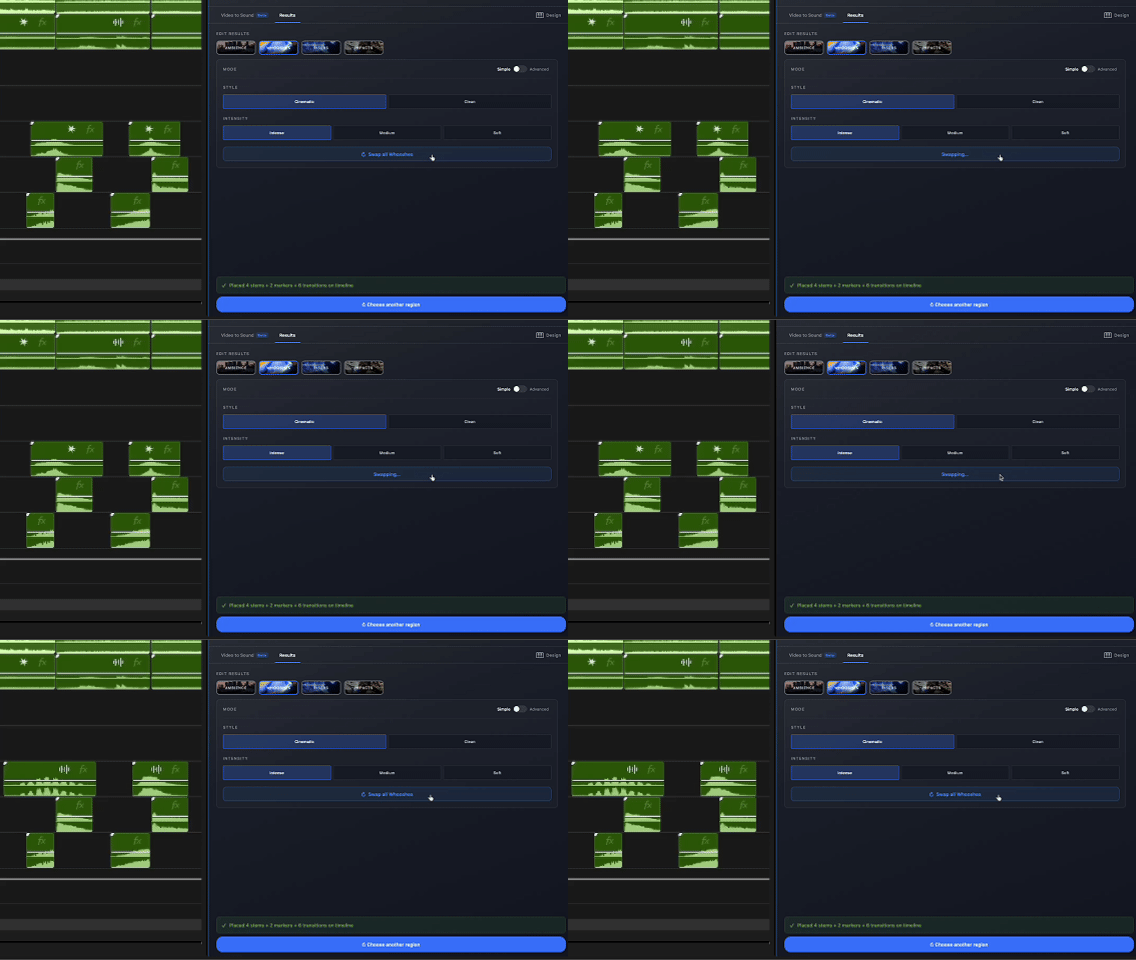
Swap out sounds to better fit the moment with total ease.
Krotos Studio detects the footsteps in your footage and builds a synchronised first pass against the picture. Change the surface, shape the sound and keep editing.
Try Footsteps in Krotos StudioBuilt from professional Krotos sound libraries.
Suggests sounds that fit. It does not generate audio artificially.
No training on your content. Not trained on copyrighted material.
Edit, replace and refine freely.
A 3-minute tour of the panel - from install to your first rendered scene inside Premiere Pro.
Search, browse, audition and sync manually.
Start with real sounds, perfectly in sync.
Keep full control. You just start from a workable result, instead of a blank timeline.
No. Unlike many other solutions, our use of AI is assistive, not generative. We use real, high-quality recordings made by our sound designers — AI only decides which sound effects to choose, combine and add to your project. Nothing is generated or synthesised; everything you hear was recorded and refined by a real person.
No. We do not use the analysis of your video for any training purposes, so you can analyse video with Video to Sound knowing your content isn’t used to improve our tools.
No. It helps editors create a fast first sound pass. Professional sound design still needs professional sound designers.
Video to Sound is our AI-assisted audio technology — the core tech behind our NLE integrations, including the Premiere Panel. It automatically picks which of our 100,000+ sound effects fit your project, then downloads and syncs them straight onto your timeline. You can use it inside the Premiere Panel or in a browser.
Our Premiere panel brings Video to Sound right to your editing timeline. Install it via our installer, then in Premiere go to Window > UXP Plugins > Krotos Studio - Video to Sound > Krotos Studio. Leave it as a floating window or dock it. Then follow the prompts: select a region of your timeline (use I for in and O for out), choose the elements you want to add, and hit ‘Analyse and Render’.
At this time Video to Sound is only integrated with Adobe Premiere, but we intend to add support for other NLEs very soon.
Krotos Studio is a platform for designing and syncing sound effects to any project. It works in a few different ways to support different workflows: as a standalone application, as the Video to Sound panel in Premiere, as a VST/AU/AAX plugin in a DAW, or as Video to Sound in a browser.
Every time you analyse a region in your Premiere timeline, that counts as a single analysis. How many you can run depends on your plan: Free (account only, no paid subscription) gets 5 analyses; Krotos Studio gets 50 per month; Pro gets 100 per month; and Max gets 200 per month. Monthly allowances refresh each month.
Using Krotos Studio as a panel in Premiere applies sound effects directly to your timeline, in sync — ideal if you’re not an audio expert or want a high-quality first pass. The standalone and VST/AU/AAX plugin versions work differently: you dive deeper into designing unique sound effects, customise and adjust them, then drag the recording to your timeline and sync it yourself. For something quick, use Video to Sound in Premiere; for more control, use the standalone or plugin. All versions are included in every paid tier (Studio/Pro/Max).
With the Video to Sound Premiere panel, sound effects are synced and placed on the timeline automatically — a big time-saver, great for editors who aren’t audio experts, or a strong first pass for a sound designer. The standalone works differently: you load presets for the sound you want and use the simple UI to shape a unique effect with control over every aspect, then drag and drop it onto your timeline and sync by hand. You can open the standalone from within the Premiere panel via the ‘Perform’ button in the top-right corner.
Assets are stored in a persistent folder (not the project folder for the time being).
On macOS: /Users/{user}/Library/Application Support/Adobe/UXP/PluginsStorage/PPRO/26/External/com.krotos.studio.videoToSfx
/PluginData/sessions/.
On Windows: C:\Users\{user}\AppData\Roaming\Adobe\UXP\PluginsStorage\PPRO\26\External\com.krotos.studio.videoToSfx
\PluginData\sessions\
We’re working on a game-changing solution for footsteps — it should arrive very soon.
You’ll need Adobe Premiere 25.6.0 or above. We recommend updating to the latest version of Creative Cloud.
Assets are stored in a default location.
On Mac: /Users/YOUR USER/Documents/Adobe/Premiere Pro/26.0/Krotos
On Windows: C:\Users\USER\Documents\Adobe\Premiere Pro\26.0\Krotos
This can be changed easily from the settings menu in the plugin.
