Krotos Studio detects the footsteps in your footage and builds a synchronised first pass against the picture. Change the surface, shape the sound and keep editing.
Try Footsteps in Krotos Studio‘It is just magic. You work twice as fast as before’
‘This is sound design on steroids!’
"I can now very easily create the perfect sound effects for my video footage using Krotos Studio."
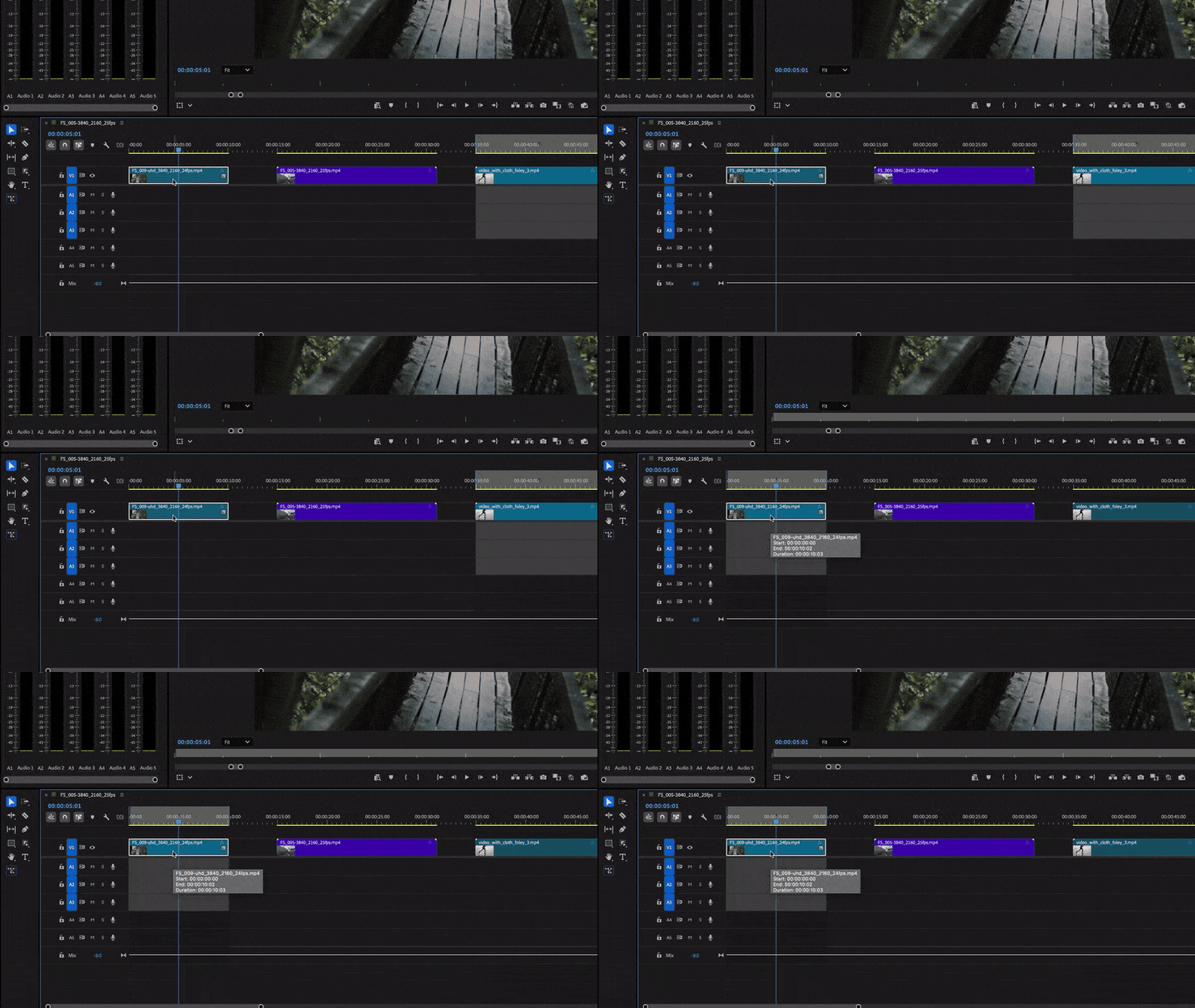
Point Krotos at the section of footage where someone is walking or running.
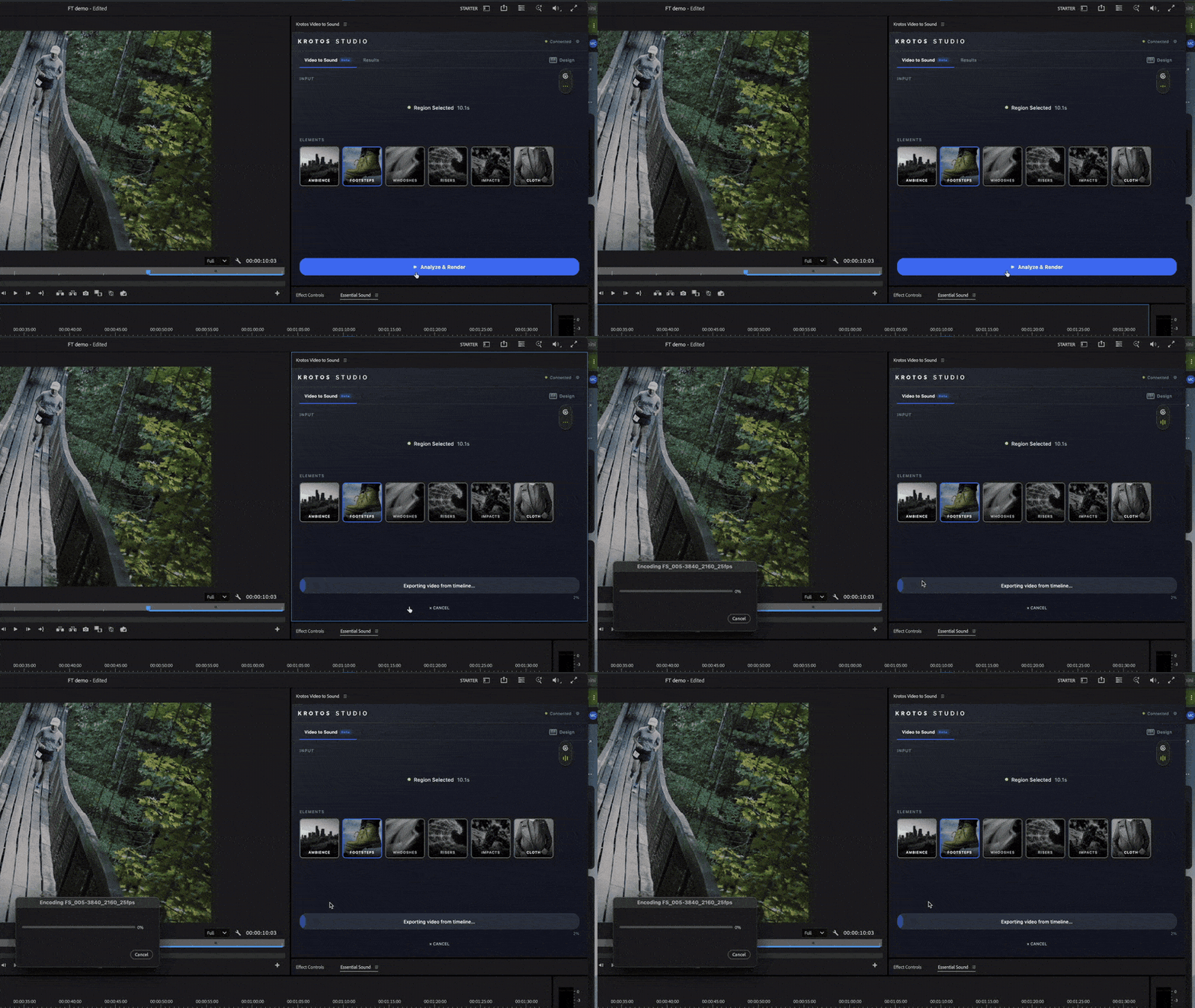
Krotos reads the movement in the picture and finds where each step lands.
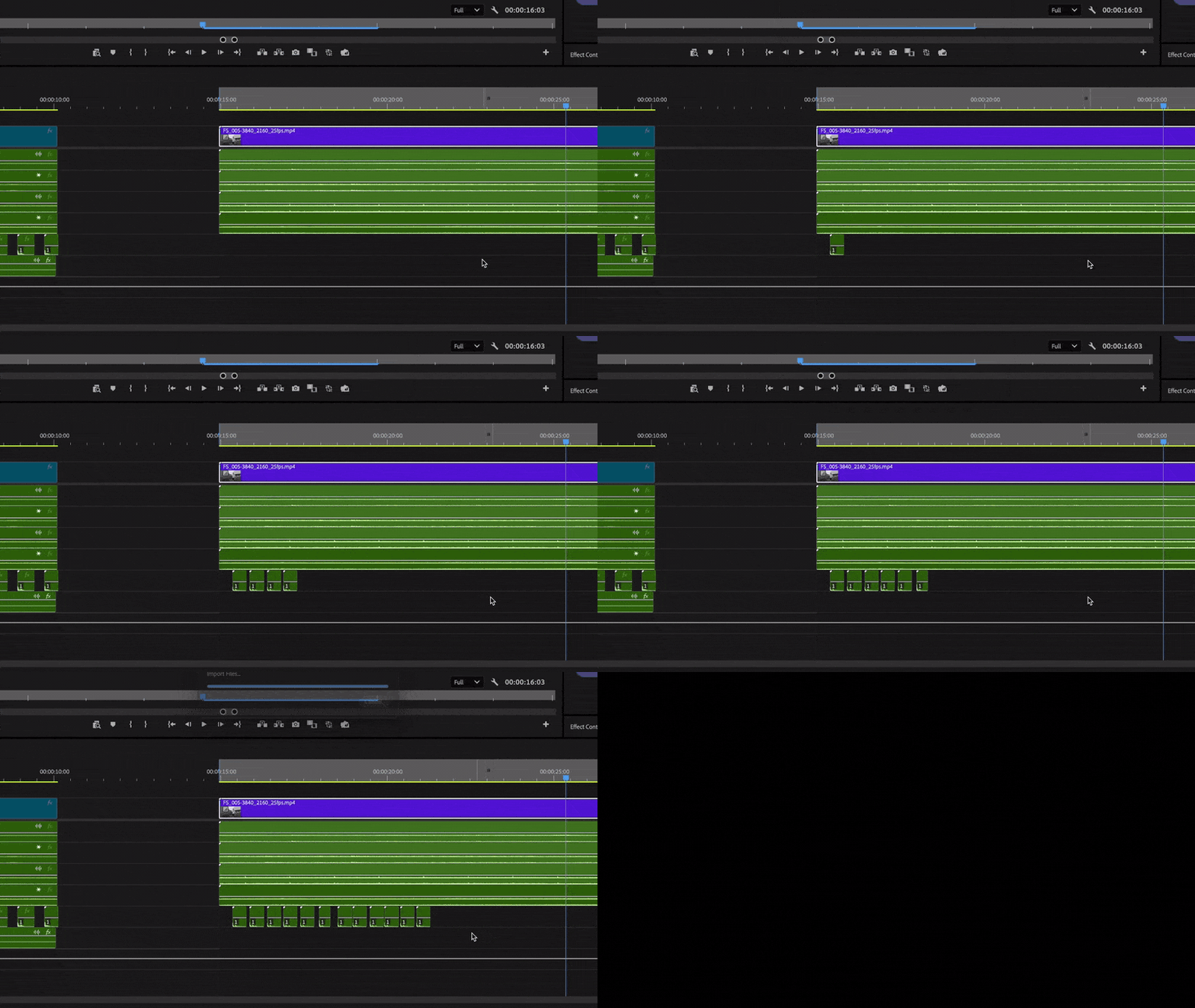
Steps arrive against the movement, with a surface and footwear already suggested.
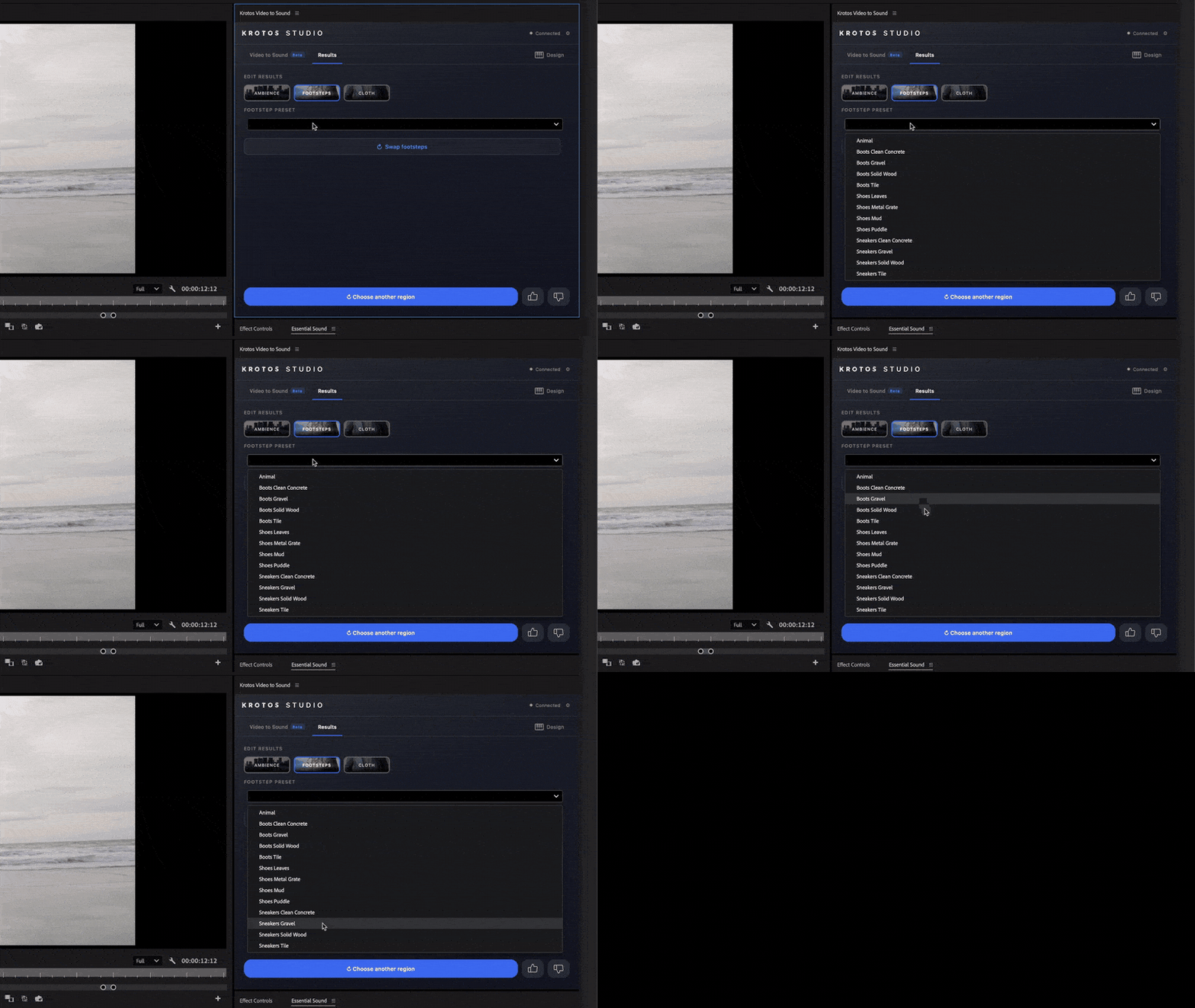
Swap concrete for gravel, forest or tile. The timing stays exactly where it is.
Krotos reads the movement in your footage and places each step against it.
The first pass arrives with a surface already chosen, ready for you to change.
Change the footwear & surface and the sync holds. There is nothing to rebuild.
Every step comes from professional Krotos libraries, not generated audio.
A short walkthrough, from selecting the footage to a synchronised footstep pass inside Premiere Pro.
Search, browse, audition and sync footsteps, one by one.
Get real footsteps on your timeline, then swap sounds without losing your timing.
You keep full control. You just start from a synchronised result, instead of a blank timeline.
Footsteps places the steps and holds them against the picture. What you do with that pass is your call. The plugins are where it runs strongest, and the browser version gives you a way out when the job calls for one.
The Footsteps engine is now substantially more accurate at detecting and synchronising steps to picture.
Footsteps analyses the picture and returns a synchronised result you can review and change.
Experiment with different surfaces while keeping the detected performance locked to the movement.
Use this first pass as a starting point, or use the audio/MIDI output with Krotos Studio and the rest of your workflow.
The browser workflow can provide audio and MIDI today. DAW integrations are planned for later this year, without committing to a specific release date.
Footsteps detects step timing from the movement in your picture and places each step against it. It is strongest on clear walking and running shots. Feet partly out of frame, heavy motion blur or crowded scenes will need more correction from you. Treat the result as a first pass you can adjust.
Most clips take up to a couple of minutes, depending on length and resolution. Progress is shown while the analysis runs, so you can leave it and come back.
Yes. Switch between surfaces such as concrete, gravel, forest and tile whenever you want. The detected timing stays where it is, so you are only changing the sound.
If there is no walking or running to detect, Footsteps returns little or nothing rather than inventing steps. You can also switch Footsteps off for that clip and use the rest of Video to Sound as normal.
Yes. The pass lands on your timeline like any other audio, so you can replace clips, mute them or layer your own recordings on top.
AI does the detection and the timing. It reads the movement in your footage and works out where each step falls. The sounds themselves are real recordings from the Krotos libraries, and the decision about how the scene should sound stays with you.
Footsteps works in the Krotos Studio plugins for Adobe Premiere Pro and DaVinci Resolve, and in the browser version of Krotos Studio. The plugin workflows give the strongest result because the analysis runs directly against your edit.
The browser version exports audio and MIDI today, so you can take a first pass into a DAW. Deeper DAW integrations are planned for later this year. We are not putting a release date on them yet.
