
What is ‘Dark Mode’ in Concept?
In response to your feedback, we have included a ‘Dark Mode’ UI option in Concept (in version 1.1.0 and above).
This allows the to be used with a white colour scheme or dark colour scheme.
To switch between ‘Light’ and ‘Dark’ modes, use the switch in the toolbar at the top of the plugin:

One you have switched to ‘Dark’ mode, you choice will be recalled every time you use the plugin.

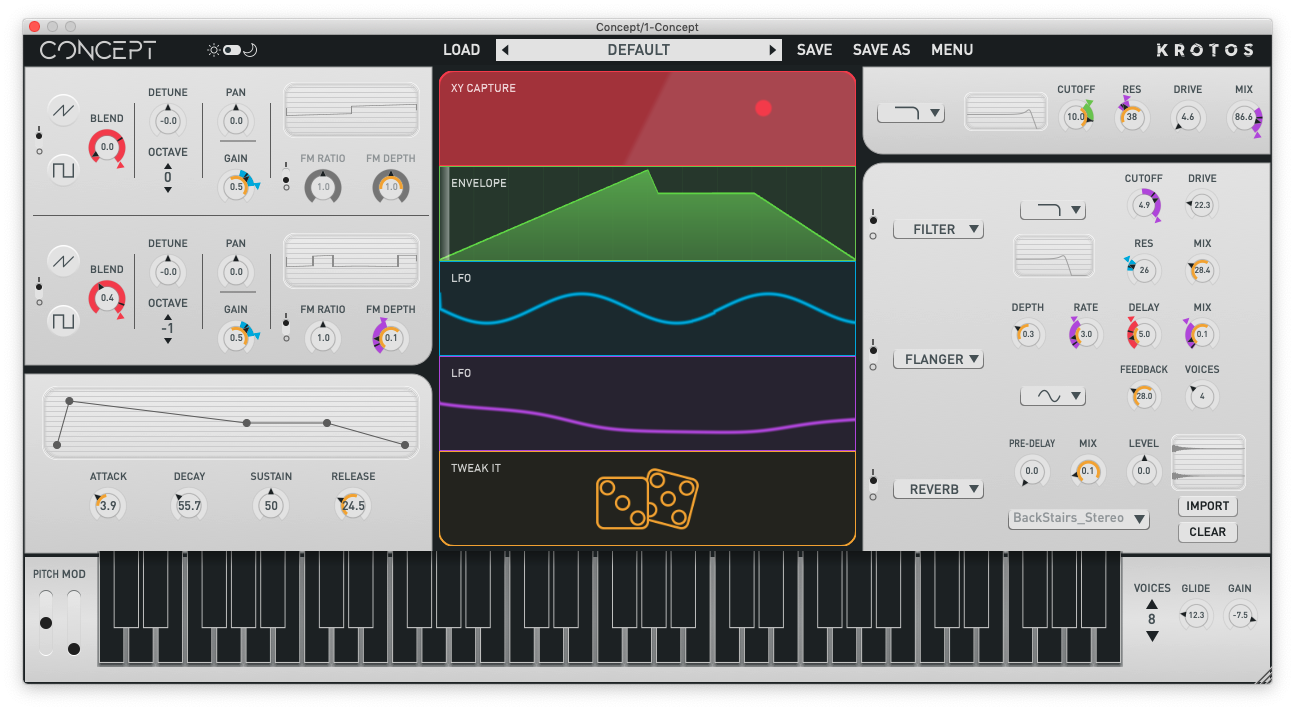
We have included a ‘Dark Mode’ UI option in Concept (from version 1.1.0).This allows the to be used with a white colour scheme or dark colour scheme.