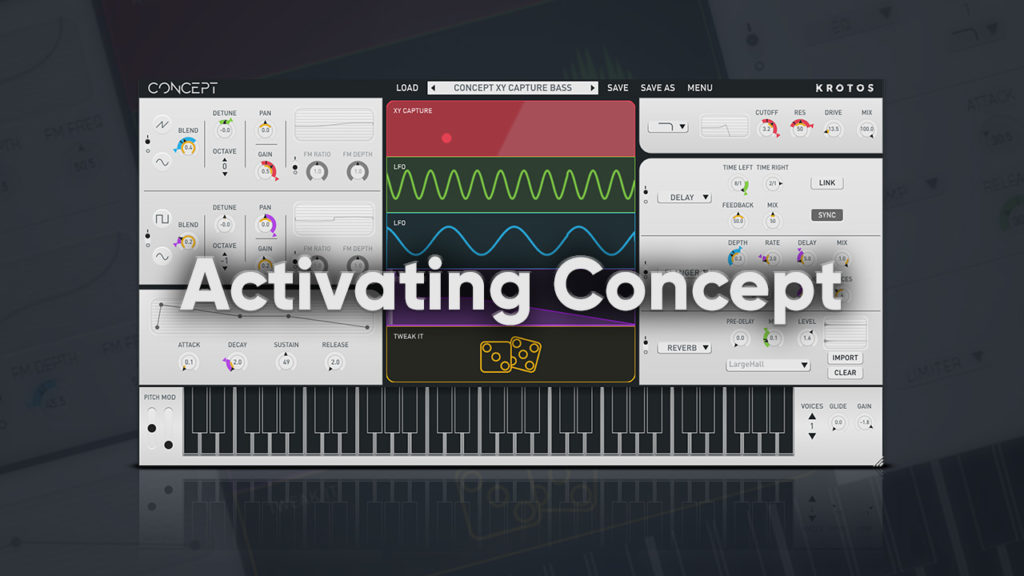
Concept ‘How To’ Video Showcase
How to add wobble to a bass track using Audio Input
Stimulate new ideas by performing and modulating with any input or instrument. Use elements from your mix to create dynamic rhythmical patches, or use the pitch follower to create exciting interactions with existing melodies.
In this video we showcase how to add dynaimc wobbles to your drum track using Concept’s Audio Input feature.
How to add variation to your settings with Tweak It
Tweak It is Concept’s ‘controlled randomisation system’, allowing you to add variation to your settings within certain ranges for your chosen parameters. Create variations of your patch with a single click, with results ranging from musical to complex!
How to control rhythm & add movement using XY Capture
Learn how Concept’s XY Capture can be used to control your rhythm, add subtle movement, or create totally wild glitches!
X/Y Capture is a feature in Concept that allows you to draw your modulation movements within an X/Y field. Capture patterns for any combination of parameters and sync the results to your projects tempo. Create unique sounds and melodies in an instant.
Buy / Demo Concept
Related Videos
Roni Size Interview

Introducing Concept | Synthesis in Motion
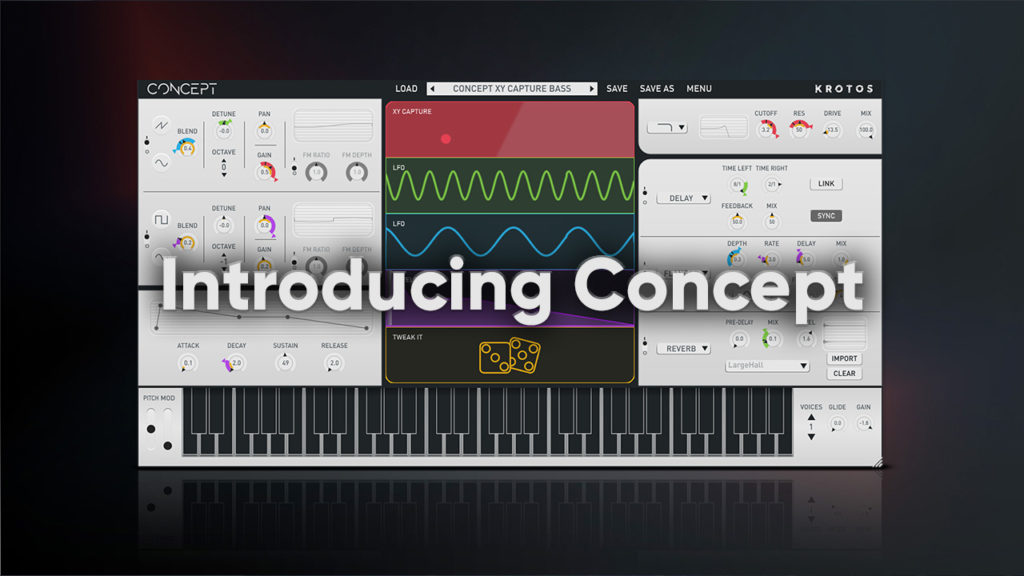
Activating Concept