

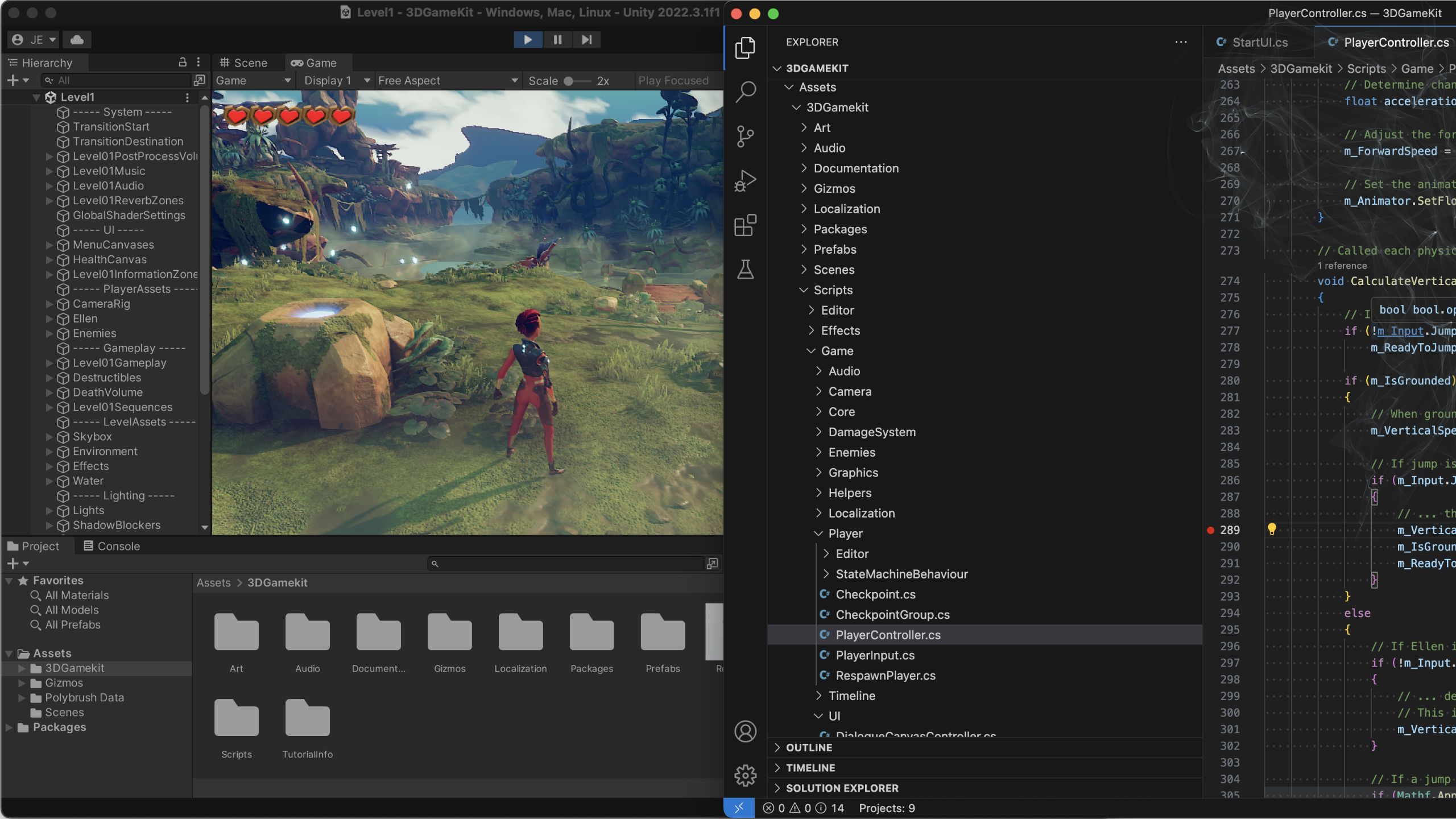
A practical, creator-first roadmap for producing game-ready audio quickly, from a tight workflow overview to real, exportable examples and hand-off checks. Designed for editors, sound designers and game builders who need reliable, implementable results fast.
Fast game-audio workflow: brief → design → implement
Start with a clear, linear map you can run in a day or a week depending on scope. The aim is not perfect sound design on day one, it is repeatable, predictable assets that the developer can integrate and test. Below is a compact blueprint you can follow from placeholder gameplay to final bank, with decision points called out and rough time budgets you can adapt.
• Step 0, receive brief and placeholder gameplay, 30 to 60 minutes. Confirm platform, target engine or middleware, and any strict technical constraints from the dev. Get a list of key interactions and the visual reference video.
• Step 1, reference and scope, 1 to 3 hours. Gather sound references, label which SFX must be bespoke and which can be library-sourced. Decide asset type, one-shot, stem, or loop, and whether assets need variants for randomness or velocity layers.
• Step 2, prototype and design, 1 to 2 days for a small feature. Build quick mockups for core systems, like footsteps, ambience beds, UI hits. Use templates and procedural tools to speed iteration.
• Step 3, edit and prepare, 1 to 2 days. Clean edits, normalise, set loop points and export canonical files for testing. Create preview mixes and implementation notes.
• Step 4, implement and test, several hours to several days. Import into Unity or Unreal, set up simple events or snapshots, test in-engine with gameplay. Iterate where timing or balance is off.
• Step 5, finalise and deliver, 1 day. Build middleware banks if required, produce cue lists, versioned exports and a readme with accept criteria.
Where decisions happen
• Asset type: choose one-shot for discrete impacts, stems for layered control, loops for beds. One-shot files are simple to implement but less flexible. Stems allow adaptive mixing at runtime.
• Interactivity design: decide whether you need parameterised audio (RTPCs, distance LODs) or simple event-triggered SFX. Parameterised designs need more exported variants and naming conventions.
• Implementation target: decide early if everything will go into Unity, Unreal, FMOD or Wwise. Middleware enables more runtime control and fewer exported variants, but requires correct bank packaging.
Typical time budget per step
• Quick prototype features for a small game: 3 to 5 days total from brief to playable bank.
• Medium scope features with bespoke SFX and middleware integration: 1 to 2 weeks.
• Use shortcuts: library sourcing for non-character sounds, procedural tools for whooshes and risers, templates for UI sets, and Krotos-style procedural workflows for fast iterations.
Core workflow stages
• Brief. Clarify scope and acceptance criteria. Success is a prioritised list of interactions and a clear export target for each.
• Reference. Collect 3 to 5 references per interaction. Success is an annotated reference doc tied to timecodes.
• Design. Build prototypes, choose layering strategies, make quick render passes. Success is playable roughs in-engine.
• Edit. Clean, remove artefacts, set loop points, create velocity ranges. Success is export-ready files with consistent loudness.
• Test. Put assets into the game context, check transitions, spawns and priority behaviour. Success is confirmation that assets trigger at correct times and levels.
• Export. Package banks, write cue lists, provide implementation notes. Success is a developer sign-off.
When to design vs source
• Source first when you are under time pressure, when the sound is generic, or when you need a baseline for iteration. Good libraries save hours. Pick assets that match the reference or can be easily layered.
• Design when sounds are a key identity element, linked to character, weapon or world feel. Bespoke sounds give control over unique timbres and interactive behaviour.
• Hybrid approach, often the fastest: pull a clean library hit as a core, then design a bespoke top layer for character. Or create stems where the base is from a library and the highs, cloth and bite are designed.
• Shortcut options: use library hits for non-critical background sounds, procedural tools to generate transitions and whooshes, and templates to ensure consistent naming and metadata.
Decide quickly, then prototype. The faster you can get an asset into the engine, the sooner you will find whether design or sourcing was the right call.
What to prepare first: files, formats and project templates
Good preparation turns chaos into predictability. A small amount of discipline with sample rates, folder structure and naming conventions prevents hours of confusion during integration. Below are the essentials you should confirm and create before any serious production.
Technical settings to lock in early
• Sample rate and bit depth, recommended default 48 kHz and 24-bit. Use 48 kHz for most game targets and any application tied to video. 44.1 kHz is acceptable for non-video projects or when your engine or platform requires it, but be consistent across your pipeline.
• Channel formats, mono for single-source SFX like footsteps and hits, stereo for ambiences and music, and ambisonic where positional 360 audio is required.
• Loudness and headroom. Do not brick peak levels. Leave reasonable headroom for engine runtime processing and ducking. Use LUFS for voice/music reference tracks in previews.
• File formats for delivery: WAV or Broadcast WAV for banks and middleware. Avoid lossy formats for final exports.
• Metadata. Include cue names, event names, and variant indexes using a consistent naming convention so middleware can map assets automatically.
Folder structure and naming
• Top level: ProjectName_audio
• SFX
• UI
• Footsteps
• Weapons
• Ambience
• Music
• VO
• Mixes
• Middleware_banks
• Use versioned filenames: GameName_UI_ButtonConfirm_v01.wav
• Keep stems and variants grouped in numbered folders and include a cue list CSV with event names and descriptions.
References and documents to gather
• Gameplay video, ideally time-coded to where SFX should play. Keep multiple frame-rate exports to match engine playback.
• Design doc or audio brief that lists priority interactions and any forbidden sounds or brand restrictions.
• Reference sounds and temp cues tied to timecodes so you or the developer know which moments require attention.
• Engine and middleware details: Unity version, Unreal version, FMOD or Wwise project structure, target platform constraints and build pipeline notes.
• Licensing and ethics checklist: permission for voice work, third-party samples, and any AI-assisted sourcing documentation.
Technical settings checklist
• Sample rate: prefer 48 kHz, use 44.1 kHz only if required by platform or to match legacy content.
• Bit depth: 24-bit recommended for recording and delivery.
• Mono/stereo: mono for discrete SFX, stereo for ambiences, ambisonic for 360 positional audio.
• Loudness targets: use LUFS for VO and music references. Keep SFX peaks under a safe ceiling, provide preview mixes for context.
• File formats: WAV or BWF for deliverables. Provide small MP3 or OGG previews if requested for review.
• Loop points: embed loop metadata for seamless playback or provide explicit loop markers in a separate document.
Creative inputs and references
• Pull 3 to 5 references for each high-priority interaction. Label which element you like, e.g., transient, texture or pitch.
• Provide a short annotated gameplay clip with temp cues and notes, such as "jump sound at 00:02:15, low bite preferred, should not mask music".
• Annotate priority and interactivity: mark sounds that require parameterisation, variants or RTPC control.
• Include a short style guide: tone descriptors like "gritty", "organic", "sci-fi clean", and any forbidden elements such as recognisable real-world trademarks or celebrity voices.
Getting these items prepared first saves back-and-forth and gives you a clean folder to return to when building banks or creating iterations.
Worked examples: footsteps, ambience, UI and adaptive cues
Concrete recipes work best. Below are hands-on step-by-step techniques you can replicate immediately for common SFX categories, and notes on how to prepare those assets so they behave predictably in your engine or middleware.
Footsteps: start with surfaces, not one sound
• Record or source a set of one-shots for each surface: hard wood, concrete, gravel, wet mud, metal. Aim for three dynamics: light, normal, heavy, or several velocity layers.
• Layering approach: create separate stems for impact, cloth, and gravel. Impact carries transient and weight, cloth adds body for fabric movement, gravel adds texture.
• Variation and randomness: export 6 to 12 variants per surface and velocity level to avoid repetition. Use slight pitch shifts and timing offsets in middleware if appropriate.
• Metadata: name files with surface, velocity and variant number, e.g., foot_wood_norm_v03.wav. Include cushion info such as suggested distance attenuation or LOD hints.
• Exporting for middleware: provide mono files for each variant and a CSV mapping that middleware or the engine can read to assign random selection or layering rules.
Ambience: build beds and positionable loops
• Start with a base bed loop of about 10 to 30 seconds. Make it seamless by aligning transient-free sections and crossfading or using loop markers.
• Add positionable loops: short, distinct loops that can be triggered around a player, such as distant traffic, bird calls or machinery. Keep these shorter, 5 to 15 seconds.
• Create stems for dynamic mixing: low-frequency bed, mid texture, high-detail elements. This allows runtime mixing for time of day or weather changes.
• Loop point creation: set precise sample-accurate loop points or provide trimmed WAVs that are already seamless. Include an alternate pre-roll for smoothing transitions if needed.
• Export stems in stereo, provide an ambience map document describing which stem controls which environmental parameter.
UI and adaptive cues: tight and performant
• UI hits should be short, clear and mix-safe. Aim for 100 to 500 milliseconds for most confirms and errors. Keep frequency content distinct from main action sounds.
• Design a small palette of tones: confirm, deny, hover and notify. Use variations for intensity but keep them cohesive.
• Adaptive stingers: produce very short stingers or risers that can be layered on top of music or used as transitions. Provide both full and low-band stems for runtime ducking.
• Performance considerations: export low-bitrate preview OGGs for rapid tests, but use uncompressed WAVs for final banks.
• RTPC-ready stems: split elements into impact, body and tonal tail so the game can blend or filter them at runtime for responsiveness.
Implementation notes for Unity, Unreal and middleware
• Naming matters. File names should map to event names in FMOD/Wwise or Unity events. Use consistent prefixes like sfx_ui_button_confirm_v01.
• Event versus snapshot choices: use events for discrete actions, snapshots for global changes like weather or stealth mode.
• Simple parameter mapping: for footsteps, map speed to velocity RTPC for subtle pitch and volume scaling. For ambience, use distance attenuation curves and LOD groups.
• Bank organisation: group assets by function and scene to make banks manageable and minimise memory footprint.
Footsteps: layers, variations and randomness
• Record or source separate layers: impact (hard transient), cloth (soft body), abrasive (gravel dust).
• Build multi-variant sets: 8 variants per surface and velocity. Test by randomising playback in-engine to ensure the ear does not hear looping.
• Export metadata-friendly sets: include a JSON or CSV manifest detailing surface, velocity mappings and suggested RTPC ranges.
• For middleware, import mono files and set the selection rule to random with pitch variance of +/-2.5 percent to taste.
Ambience: loops, beds and dynamic ducks
• Create a base bed that loops seamlessly. Ensure the end and start share similar spectral content and no abrupt transients.
• Make modular stems for low, mid and high. Use automation to show how these stems should balance when, for example, day turns to night.
• Prepare ducking stems: a version of the bed with lowered levels to allow important SFX to cut through, or provide stems that the engine can fade under certain game states.
UI & adaptive cues: tight, performant hits and transitions
• Keep natively short hits, and provide slightly longer versions for accessibility or slower UI contexts.
• Provide a small library of modular parts that can be combined in middleware to create more complex feedback while keeping memory low.
• For adaptive cues such as victory stingers, provide a few lengths and three intensity levels so the audio can scale with gameplay state.
These worked examples get you from a concept to export-ready assets quickly, and the implementation notes make sure your files are friendly to engine and middleware workflows.
Troubleshooting: common issues and practical fixes
Even well-made assets can misbehave. This section covers the usual suspects and straightforward ways to fix them so you can get back to building, not debugging.
Audio quality problems and quick fixes
• Clicks and pops: these often come from hard edits or missing fades. Solution: apply a 5 to 20 ms fade in or out at waveform boundaries. For abrupt transients, use a short crossfade across loop points.
• DC offset: this shows as a baseline shift and can cause clicks when looping or normalising. Run a DC removal or a high-pass filter at 5 to 20 Hz to remove the offset.
• Loop seams: identify the phase or transient mismatch. Use a crossfade or spectral repair to blend, or rebuild loop points at a zero crossing and rebuild a short crossfade of 10 to 50 ms.
• Phase problems: when layering similar sources, collapse to mono to check phase. If cancelling occurs, nudge timing slightly, invert phase on one layer, or apply slight EQ differences to remove destructive interference.
• Over-compression and pumping: check dynamics and restore natural dynamics where necessary. Use parallel compression rather than brickwall limiting when you need weight without pumping.
Integration and engine issues
• Missing assets in engine: confirm file paths and that the asset was added to the project. Reimport the folder and check consoles for missing reference errors.
• Sample-rate mismatches: if audio sounds slow, the engine or middleware is likely resampling incorrectly. Ensure all assets use the agreed sample rate, typically 48 kHz, and re-export if necessary.
• Swapped channels: if stereo elements are reversed, confirm channel orientation in the DAW and export settings. Sometimes stereo flip occurs during import due to metadata.
• Loudness mismatch: compare in-game loudness to a reference mix. If SFX are too loud or quiet, adjust preview mixes and provide per-cue gain offsets or middleware volume controls.
• Bank-loading errors: confirm bank dependencies and GUIDs in middleware. Rebuild banks after renaming or reassigning events to ensure banks contain all required audio.
Ethics, licences and AI reassurance
When working with third-party samples, voiceover, or AI-assisted elements, follow clear, simple rules. This guidance aims to help you stay compliant, transparent and respectful of creative rights.
• Verify licences: confirm commercial use rights for every third-party sound or library element you include. Maintain a licence document or spreadsheet linking each file to its licence terms and expiry if applicable.
• Voice likeness and performances: obtain written consent for any voice work that resembles a public figure or a living person’s identifiable vocal characteristics. Clarify usage rights for
