


With over 500 hours of content uploaded to YouTube every minute, it can be hard to stand out from the crowd. Sound is a big part of making your video unique and different, and a lot of new creators will face familiar questions in this field when they’re just getting started: how can I source sund effects for free? What music tracks am I allowed to use?
Using high-quality sound effects is important. Thankfully, there’s no shortage of royalty-free sound effects libraries online. But did you know that YouTube has its own stock SFX and music library, built into the platform itself? Read on for a comprehensive guide to the pros and cons of using the YouTube Audio Library compared to other offerings in Free Sound Effects Solutions.
The YouTube Audio Library
It’s crucial to understand that you can’ t just throw a bunch of your favourite copyrighted music tracks and SFX into your videos – this is a fast track way to getting your tracks demonetized or worse, taken down entirely. The YouTube Audio Library is a quick solution to this. It doesn’t cost anything to use, provided you only use the assets on YouTube itself, making it a solid bedrock from which to jump straight with crafting content on a budget.
Everything in the library is totally free to download, and it’s integrated into YouTube Studio, offering both music and sound effects that are pre-cleared for usage on YouTube. This means there is no need to worry about any royalties, copyright strikes or losing ad revenue to a rights holder as a result of these audio clips, as long as you keep your creation to YouTube itself.
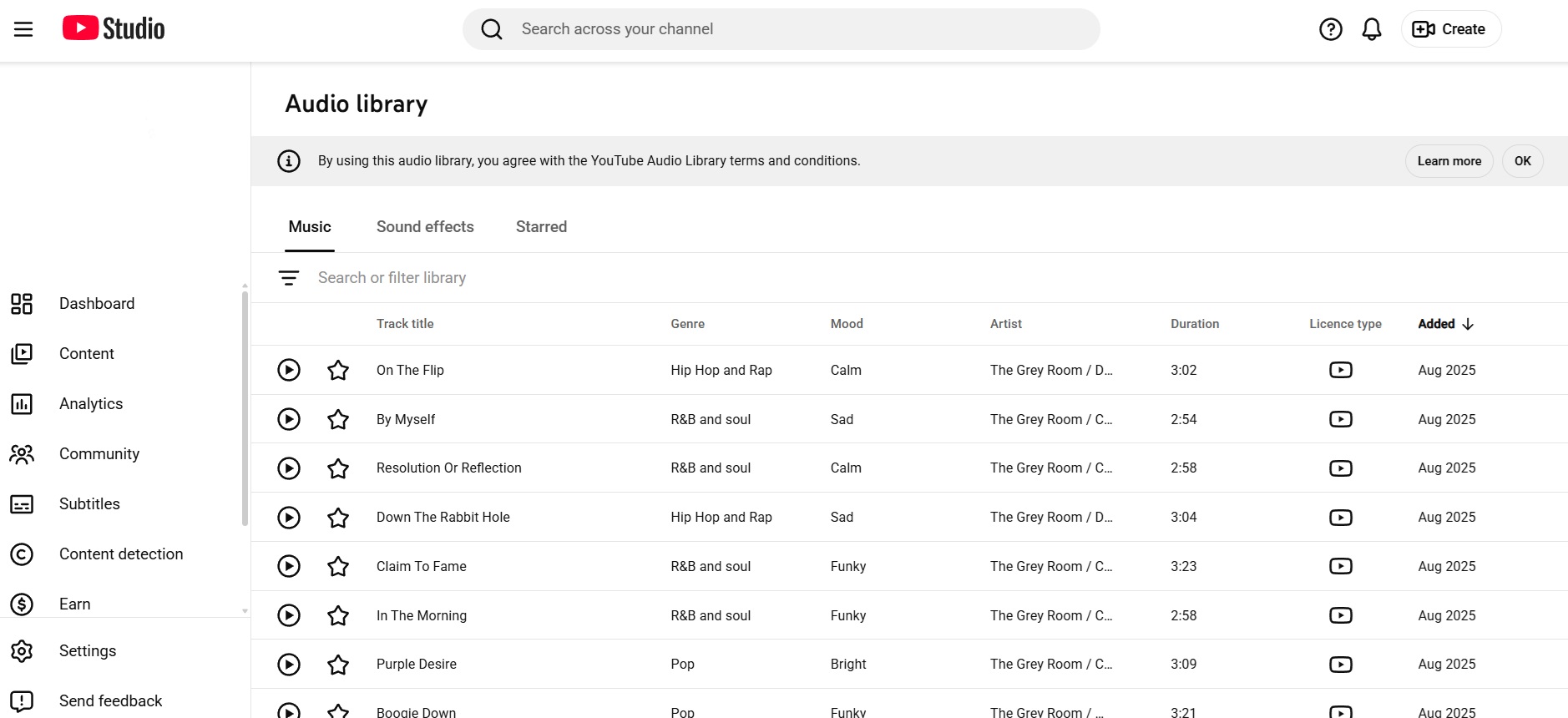
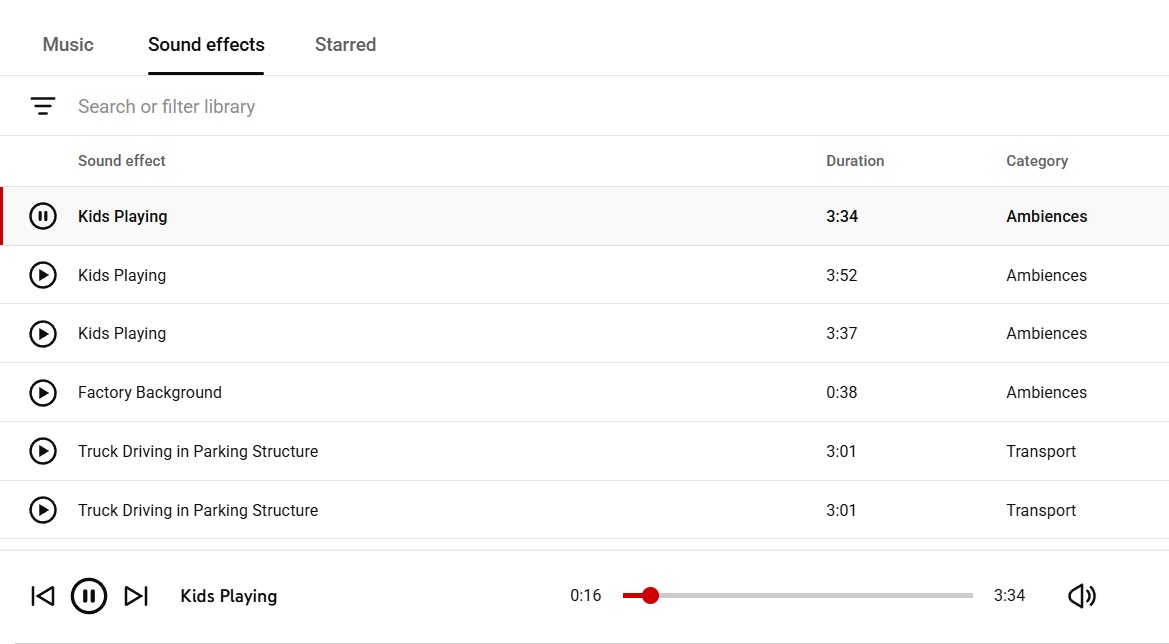
The YouTube Video Library is also pretty big: there are thousands of music tracks available and more are added every month. You can filter by genre (say, rock, ambient, cinematic or lo-fi) or by mood (calm, happy, dramatic and so on). There are also hundreds of sound effects, covering everything from alarms and swooshes, to footsteps and impact noises. Everything here is perfectly usable and makes for a solid jumping-off point; it provides quick inspiration without having to worry about paying upfront.
But it's important to note that because it's the default free option, the most popular tracks and effects will already be in use, potentially by millions of other new YouTubers (NewTubers?) like yourself – so there’s a good chance people will recognise them already.
What’s Wrong with the YouTube Audio Library?
It’s a free resource for sound effects that provides royalty-free audio clips… so what could possibly be wrong about the YouTube Audio Library? In other articles, we've claimed the YouTube audio library is dead, and how to move beyond it. Let's have a look at a few of the negatives behind using the YouTube Audio Library.
You’ll Probably Recognize Most of the Sounds
The ease of use and cost-effectiveness of YouTube’s Audio Library make it a great asset, but they also provide its biggest disadvantage. With so many people using them, many of these sounds have become ubiquitous across the web and anyone using them will struggle to stand out from the crowd. You only have to read the comments on some of its most popular stock tracks to see they’ve become oversaturated to the point of being meme worthy.
The Quality Isn’t Top Notch
YouTube provides these files as 320kbps MP3 downloads, which is good, but not great quality. If you’re looking for the highest quality, uncompressed audio, you’re better off looking elsewhere.
You May Have to Edit the Sounds
Furthermore, YouTube’s stock sounds are very much ‘one size fits all’, meaning they’re not tweakable in any way outside of audio editing software. If your audio track is too short for a clip you’re using, you’ll have to spend time looping and crossfading to get it long enough. If you’re looking to have the most flexibility and control over your sound effects, then there are better options available.
The License is Only for Uploading to YouTube
Bear in mind also that the free use license only applies to YouTube; the minute you take your video content to another platform such as, say, Tiktok, you’ll find yourself in a legal grey area. You’ll need to be careful with how you share such content to avoid getting yourself in trouble, or instead use a solution that’s royalty-free across all platforms.
How to Improve on the YouTube Audio Library?
If you’re looking to stand out from the crowd, YouTube’s static sound database may not cut the mustard. When there are millions of other small channels using the same "Whoosh_01.mp3" clip as you, you’ve certainly got your work cut out for you.
Krotos Studio lets you perform your own unique sound effects, like a Foley studio inside your computer. Even if two creators use the same "Cinematic Whoosh" preset, the sound will be different because it depends on how you move your mouse. You are generating a unique performance, not just playing a file.
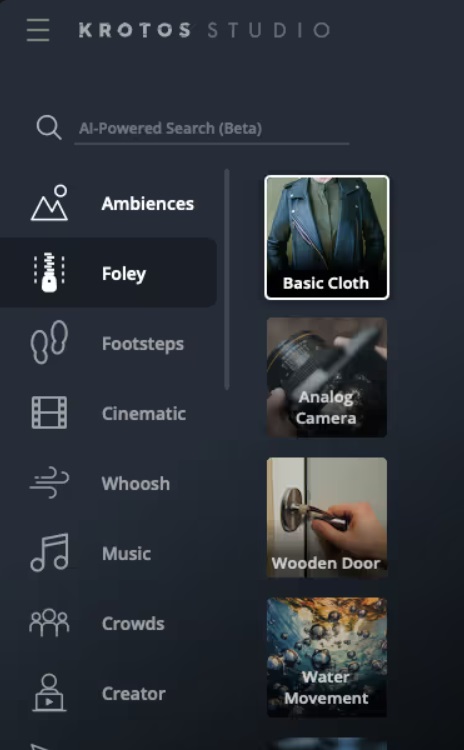
There’s also a solution to the aforementioned timing issue, as Krotos also includes a nifty Instant Render tool that’s a cinch to use. Once you’ve picked a sound, (say, a rainy city soundscape) simply specify how long you’d like the audio file to be and it will generate a non-repeating, seamless track of that exact length instantly. No manual looping required. Or say you need footsteps on gravel that start slow and speed up? Rather than faffing around auditioning 50 different "footstep" files, you can simply “play” them yourself with a mouse or MIDI controller. This way, you can match the audio to what’s being shown on screen, saving hours of tedious syncing and splicing.
Another common complaint is that sound effects from YouTube’s stock library can sound thin and uninspiring by themselves. The solution is to layer sounds convincingly in a way that avoids overpowering the rest of the mix. This can be complicated, time consuming work that slows you down and takes you out of the creative flow. Krotos Studio’s Ambience Generator removes this pain point, making it quick and painless to create sounds based on simple text prompts, or even just screenshots of a video.
Questions About the YouTube Audio Library
Can you access the YouTube Audio Library without being logged in?
No. You’ll need a Google account to access YouTube Studio and its included Audio Effects Library.
Are the tracks on YouTube’s Audio Library royalty free?
It depends. Are you sticking to YouTube only? Then yes, you’ve got nothing to worry about in terms of monetization, copyright, and so on. But problems may emerge when you use copyrighted music and sound effects on other platforms such as TikTok, as doing so could technically result in a copyright claim.
Why do my sound effects seem generic?
In all likelihood, because they probably are. With millions of people dipping into the same limited pool of sounds on YouTube’s Audio Library, people begin to subconsciously register them as “cheap” or “generic” in their minds.
My audio clip isn’t long enough for the scene I’ve produced. What should I do?
If you’re working with a simple soundscape without any sharp audio transients, you can manually trim, fade, and splice static audio files to extend them. Be careful not to stretch the audio too much, which can make it sound distorted or unnatural.
I’ve found some nice background ambience, but certain elements are too distracting. Can I remove them?
Any sound effects downloaded from YouTube’s Audio Library will be “baked” into a single MP3 file, without any easy way to separate individual elements.
